Takeoff Tools Every NZ & AU Waterproofer Should Know
Discover 3 essential takeoff tools every NZ & AU waterproofer should use to quote faster, avoid mistakes, and protect your profit on every job. Gain speed, clarity & precision with smart takeoff tools.
EDUCATIONAL
Sumit Kumar
6/20/2025
The Common Scenario
You received plans or tenders with near due date, you got builder, lead client or your go to client asking for their project price/quote - you feel overwhelmed, you do what you do and miss what you can't. For those you rushed takeoff/quote, used manual process of measurement using highlighter or marking paper plans or maybe scribble notes quickly over phone, client comes back with changes or request amendment to already quoted, now, you spend time again to requote work where - you loose time (and margin) to adjust on fly.
The QS Insight
We’ve reviewed hundreds of waterproofing quotes across New Zealand, and most takeoffs are still done with minimal tools — or none at all. It’s common, but it’s risky.
The issue?
Manual takeoffs = high error risk
No visual record of what was measured or excluded
No way to review or adjust later if plans change
Having the right tools doesn’t just save time — it protects your bottom line.
A Simple Tip
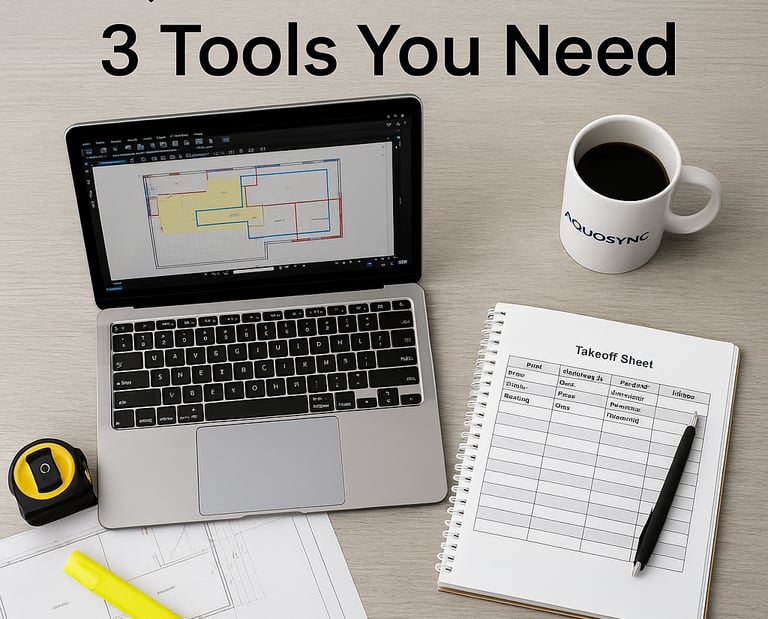
Here are 3 tools every waterproofer should start using for takeoffs:
Digital Viewer – Bluebeam Revu or PDF Annotator
→ Mark up plans, zoom in, measure with precision.Takeoff Sheet Template – Excel or Google Sheets
→ Break down areas, materials, labour, and tags. Easy to update later.Scope Snapshot – Export a takeoff markup as a PDF
→ Keep a visual record of what you measured and quoted. Clients love it.
Bonus: if you’re not ready to dive into digital, work with someone who does takeoffs for you with the right setup (like us).
Save Time. Quote with Confidence.
Need takeoff to understand - talk to us for your next project, we are here to help.